1
Prepare your spreadsheet
Use a .xlsx, .xls, or .csv file. Make sure the first sheet has a clear header row, no blank columns inside the table, and one data row per submission.
Product tutorial
Follow this workflow to turn spreadsheet rows into public Google Form submissions without sign-in while keeping control over mapping, dry runs, progress, and errors.
Use a .xlsx, .xls, or .csv file. Make sure the first sheet has a clear header row, no blank columns inside the table, and one data row per submission.
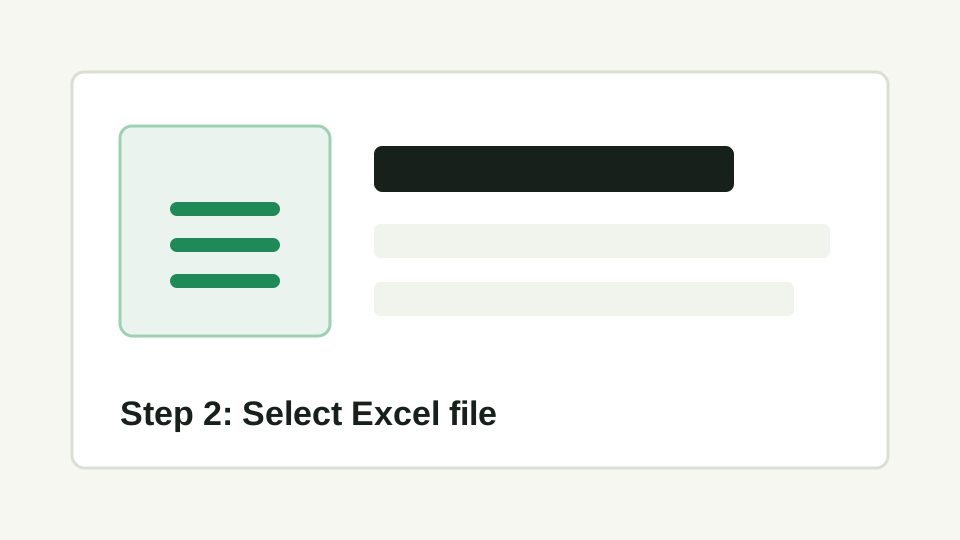
Start the app and click Select Excel File. The app reads the first sheet, detects the columns, and shows a preview of the first 5 rows.
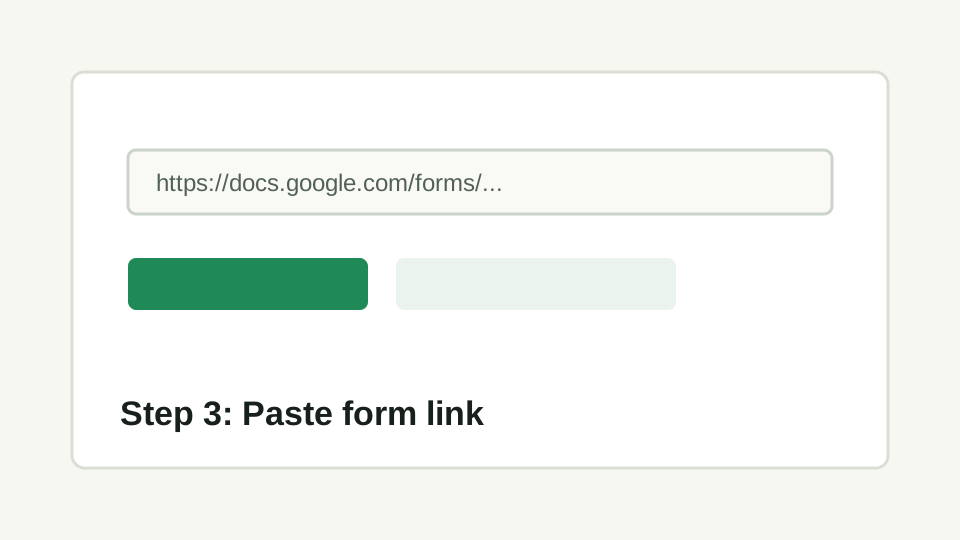
Paste a Google Form URL from docs.google.com/forms or forms.gle, then continue to question mapping.
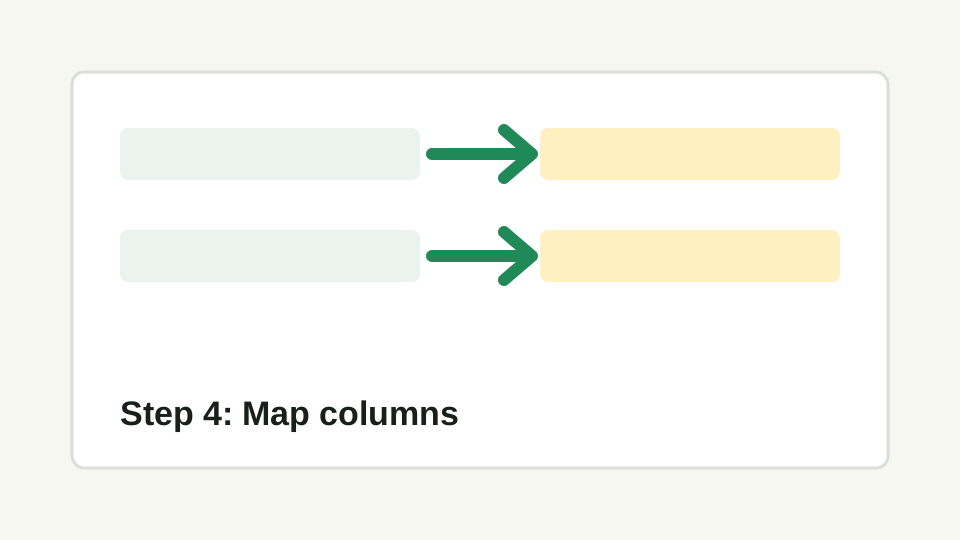
Click Auto-map Columns to read the form questions and match them to Excel columns, or use Add Mapping manually. Supported types: short answer, paragraph, radio, checkbox, dropdown, date, and time.
Set the delay between submissions, start row, max rows, browser visibility, stop on first error, and screenshot on failure. Run Dry Run 1 Row first to confirm the mapping.
Click Run All to process the selected rows. Watch total, current row, success, failed, and logs; use Cancel when you need to stop, then resume with Start from row. Export Logs to keep the run result.
Before you run automation
Use Sheet2Forms for repetitive admin workflows where the data already lives in a spreadsheet.